

GTA 6 Animated Customizable Webcam Overlay for StreamElements
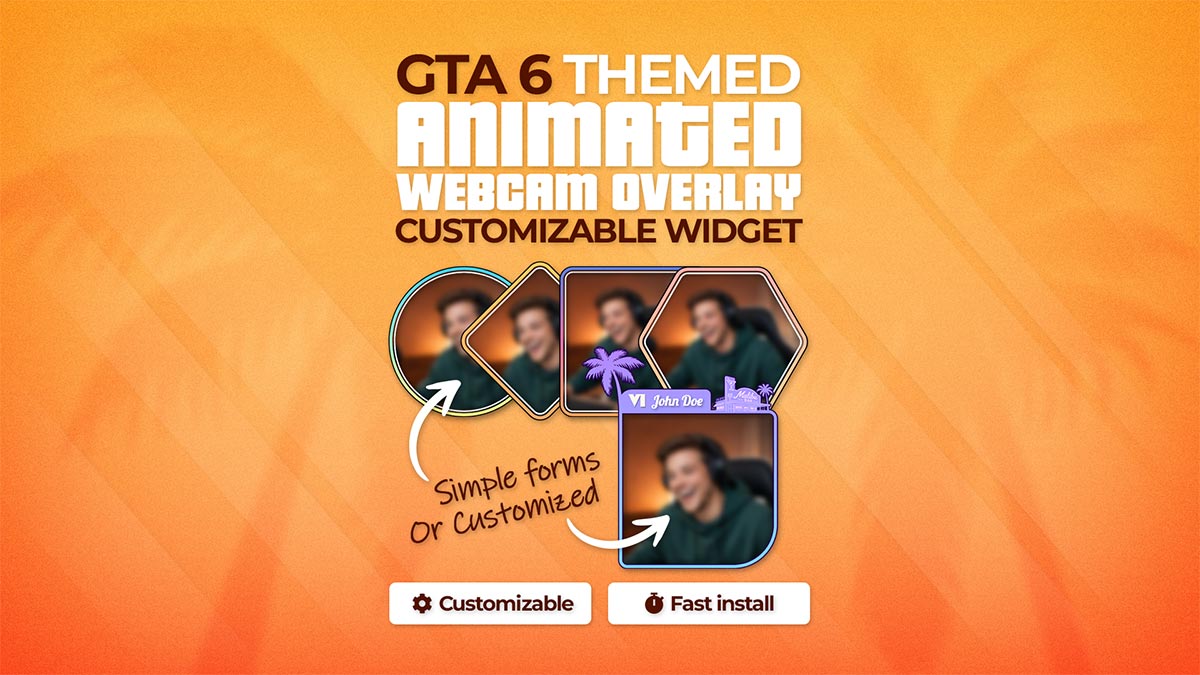
Bring your GTA 6 streams to life with this fully customizable animated webcam overlay, designed specifically for StreamElements. Choose from multiple frame shapes, customize colors and borders, add Vice City-inspired graphic elements and create a webcam design that matches your streaming style.
This widget includes automatic webcam mask generation, allowing the matching mask to be created automatically based on your selected frame shape. Customize everything directly through the StreamElements interface, with no coding required!
Price :
12€
What’s included:
1 Default preset ready to customize
3 Additional ready-to-install presets
Multiple customizable webcam frame shapes and colors
Vice City-inspired SVG graphic elements
Automatic webcam mask generation
Animated visual effects
PDF installation and customization guide
OBS Studio camera mask installation tutorial
GTA 6 Customizable Webcam Overlay
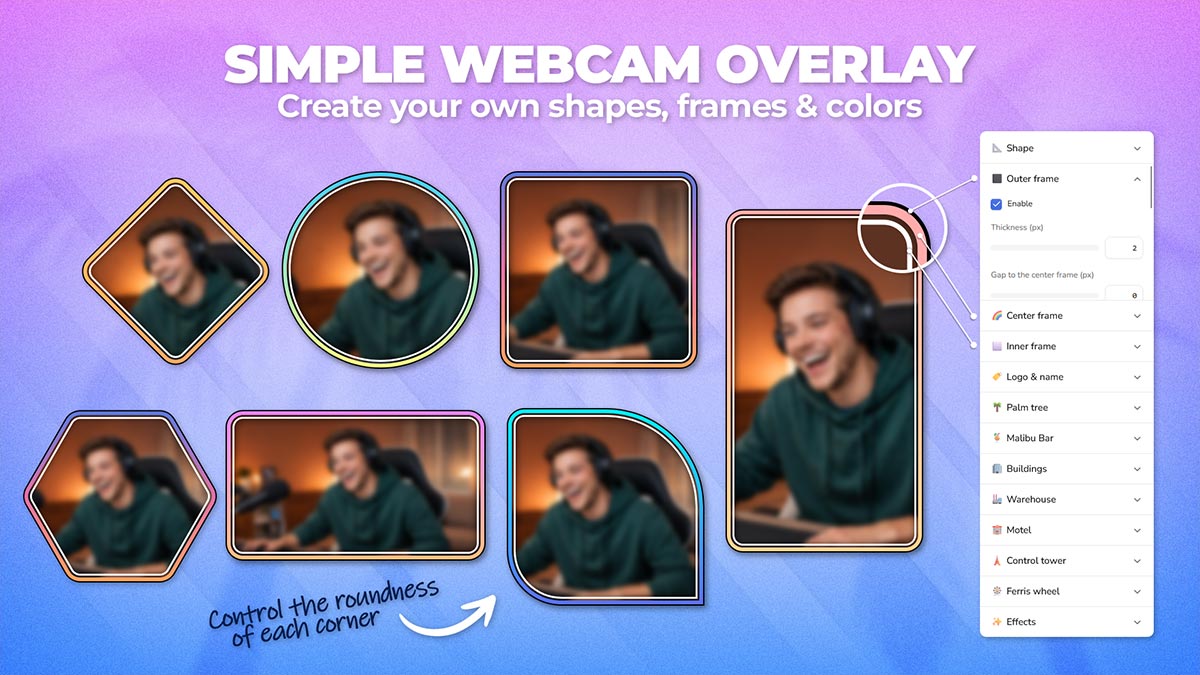
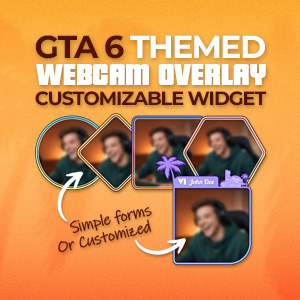
Explore the different webcam shapes and customization options available with this GTA 6-themed StreamElements widget. Choose from multiple frame shapes, including circles, squares, diamonds, hexagons and more. Customize corner roundness, frame thickness, colors and borders to create a webcam overlay that perfectly matches your streaming style.
Every frame can be customized directly through the StreamElements interface, with no coding required!
GTA 6 Customizable SVG Elements
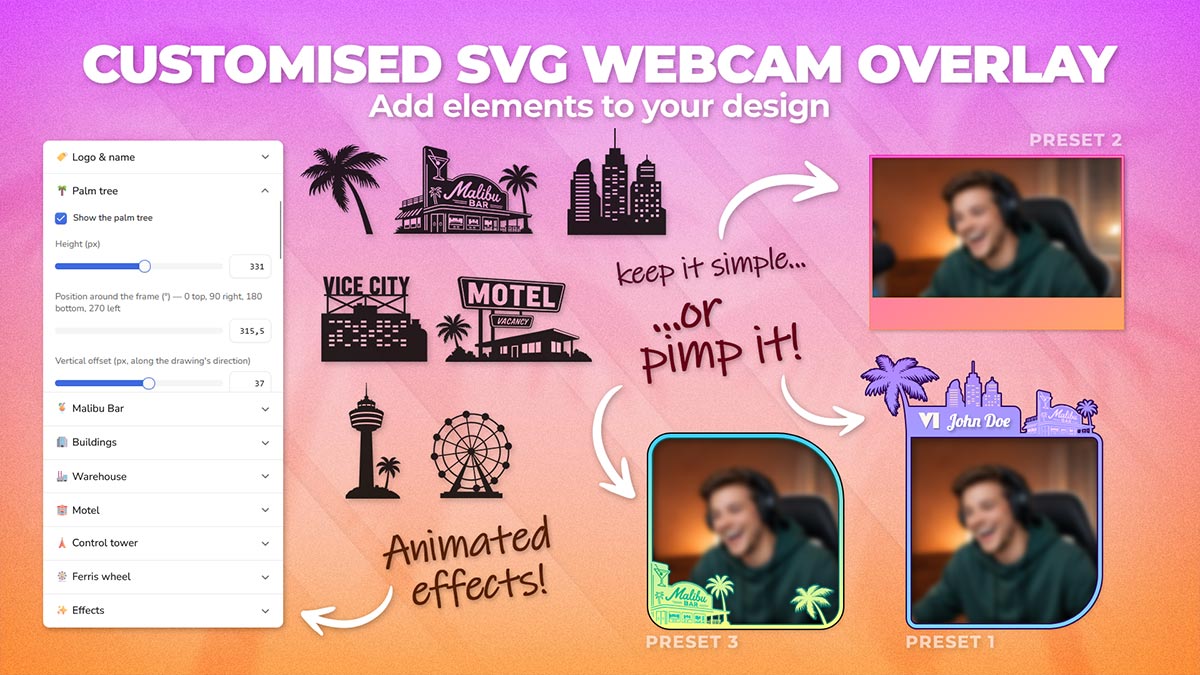
Take your GTA 6 webcam overlay to the next level with a collection of customizable SVG graphic elements inspired by Vice City. Add decorative elements such as palm trees, buildings, the Malibu Bar, motel signs and a Ferris wheel to create your own unique design.
Prefer a clean and minimal look? You can keep your webcam overlay simple with no additional graphic elements at all, or add as many decorations as you like for a more detailed Vice City-inspired design.
Each element can be individually enabled, resized and positioned around your webcam frame. You can also customize the logo and name displayed on your webcam overlay.
Easy Installation with StreamElements and OBS Studio
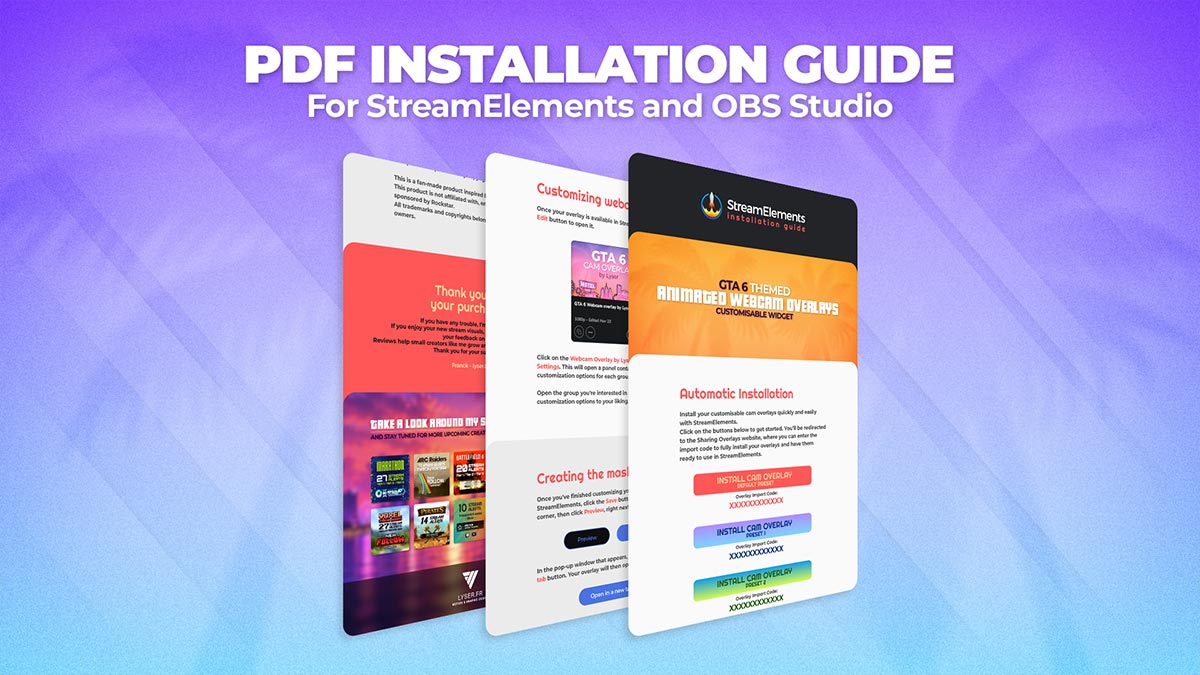
Get your GTA 6 customizable webcam overlay up and running with the included PDF installation guide. Follow the step-by-step instructions to install the StreamElements widget, access its customization settings and set up your webcam overlay.
The guide also explains how to install and apply the automatically generated webcam masks in OBS Studio, ensuring your camera fits your selected frame shape.
It also includes instructions for installing the 3 additional ready-to-use presets, so you can quickly switch between different designs without starting from scratch.
Not an official GTA VI product. Not approved, endorsed, or associated with Rockstar Games.

Ce site est protégé par reCAPTCHA. Les règles de confidentialité et les conditions d'utilisation de Google s'appliquent.
Réalisé par