



English version
Arc Raiders Twitch Overlay Pack for OBS Studio – Just Chatting & Gaming Scenes
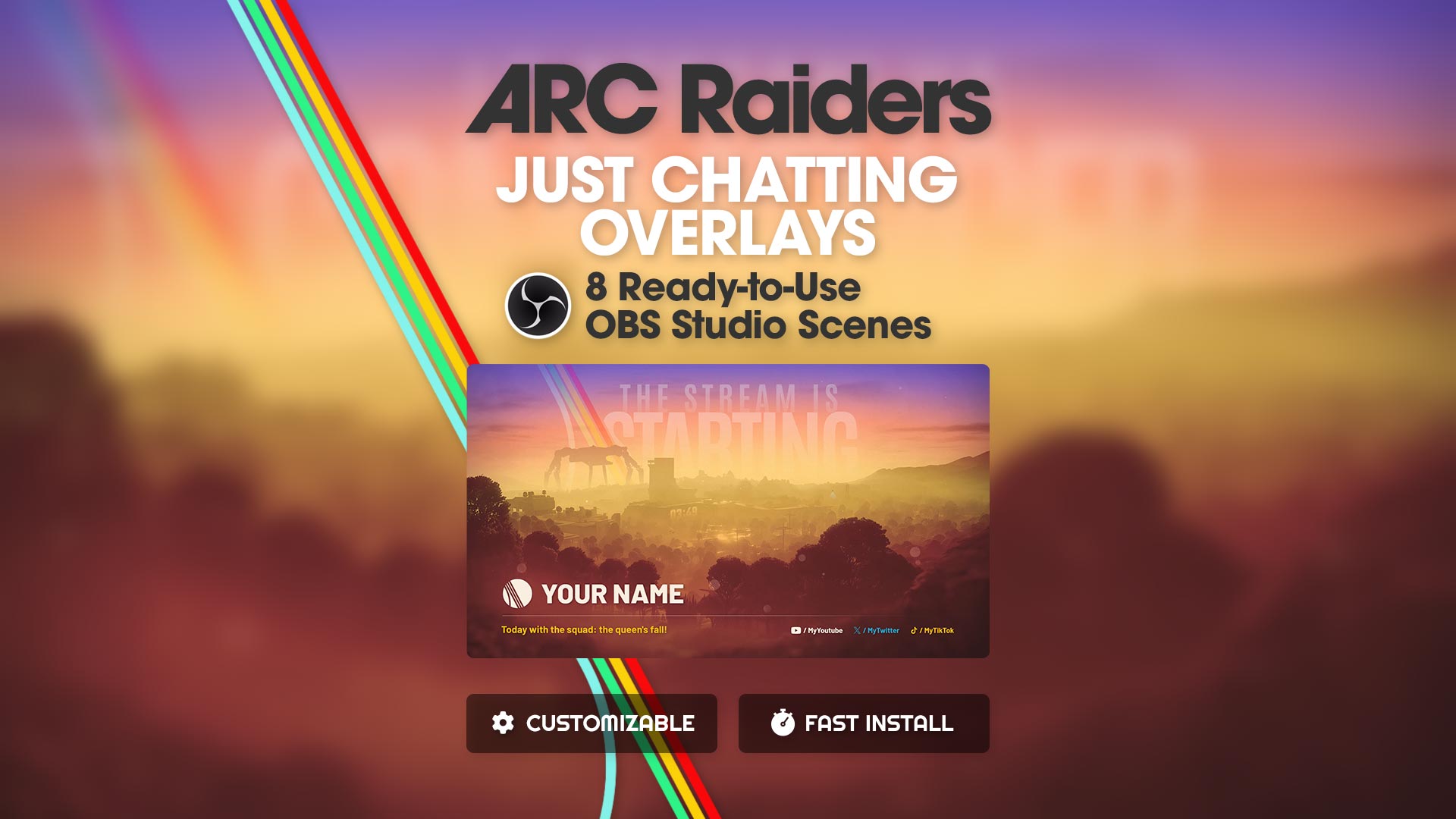
Complete Arc Raiders Twitch overlay pack for OBS Studio, fully customizable, including ready-to-use Just Chatting scenes, animated Start / Pause / End screens, Twitch panels, banners and an offline screen generator. Fast installation via .json files.
Price :
29€
Pack content :
- .json files that automatically install all scenes in OBS Studio
- 6 MP4 videos: Intro, Pause & Outro (3 in English & 3 in French)
- 22 Twitch panels for each loot rarity color (110 panels total)
- Twitch banners (8 different background colors)
- Offline screen (8 different colors)
- PDF installation & customization guide
- Compatible with Twitch, Kick & YouTube Live
Arc Raiders Just Chatting Scene – Chat & Webcam for OBS Studio
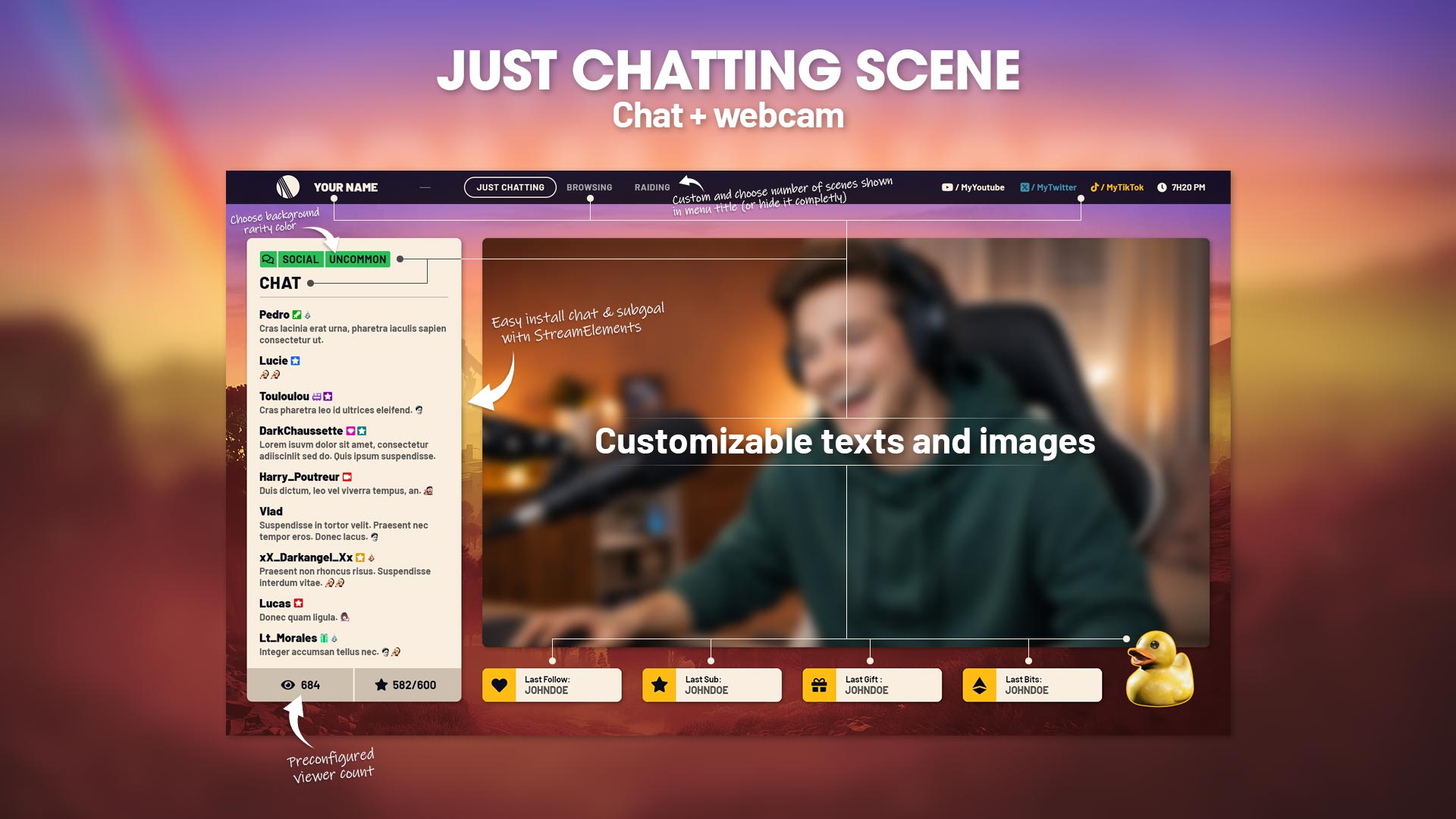
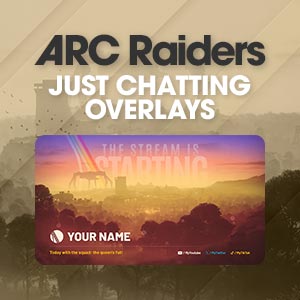
The Arc Raiders Just Chatting scene for OBS Studio is designed for interactive streams and live discussions with your community.
It includes a webcam area, a StreamElements chat, and a full stream events display (sub goal, latest followers, subs, donations, bits and more).
This customizable Twitch overlay scene lets you create a clean, professional and immersive Just Chatting setup in minutes, while keeping your stream visually consistent with the Arc Raiders universe.
Perfect for talk shows, Q&A sessions and community interactions, it gives your channel a strong visual identity and a polished streaming experience.
Arc Raiders Browsing Scene – Webcam, Chat & Web Screen for OBS Studio
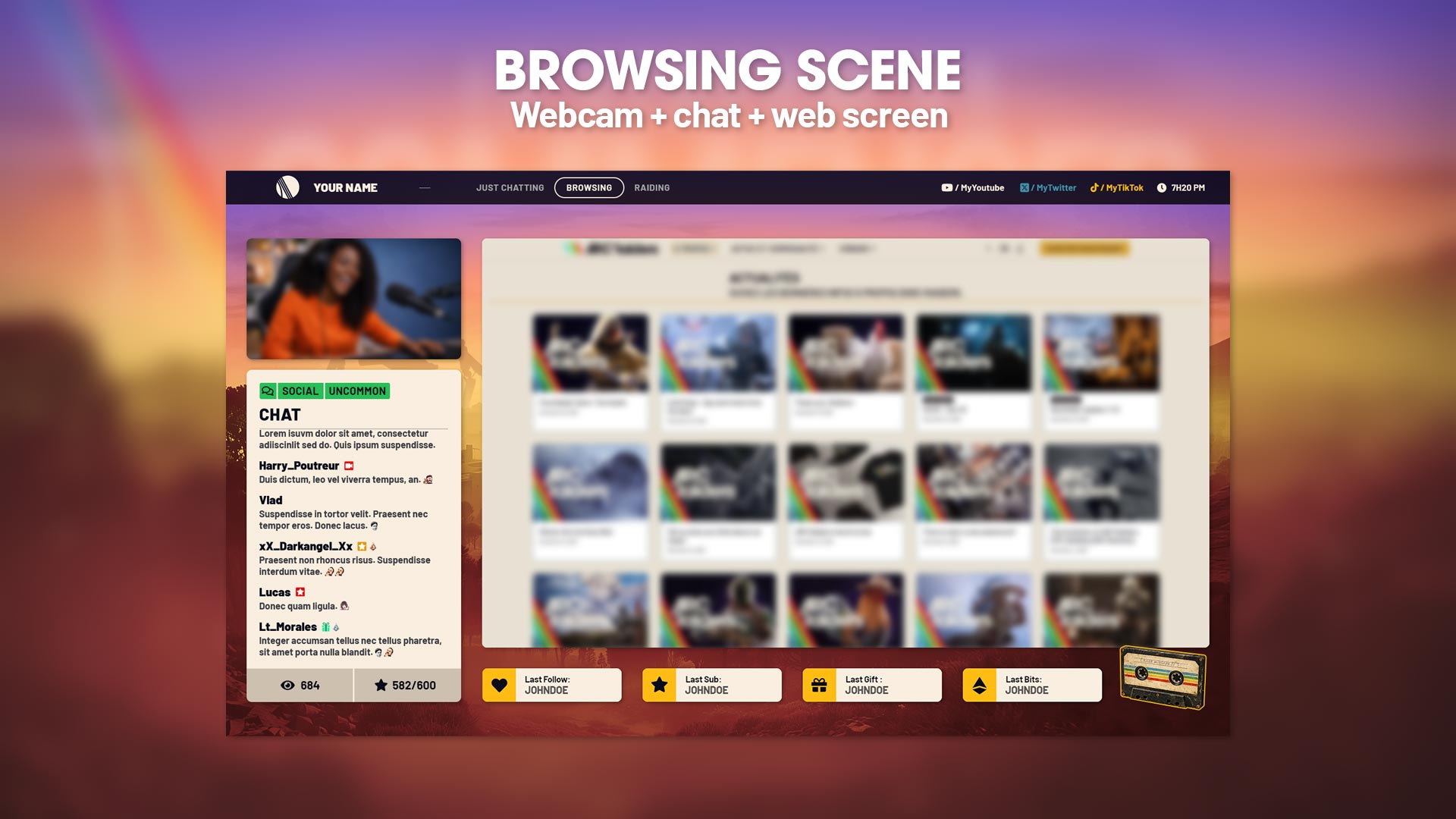
The Arc Raiders Browsing Scene for OBS Studio lets you display any website, store, video platform or page directly on your stream while keeping your webcam, StreamElements chat and all stream events perfectly visible.
This customizable Twitch overlay scene is ideal for browsing sessions, live shopping, community reviews and discovery streams, offering a clean, immersive and professional layout that keeps your audience engaged at all times.
Scène In-Game Arc Raiders – Webcam, Chat & Gameplay pour OBS Studio
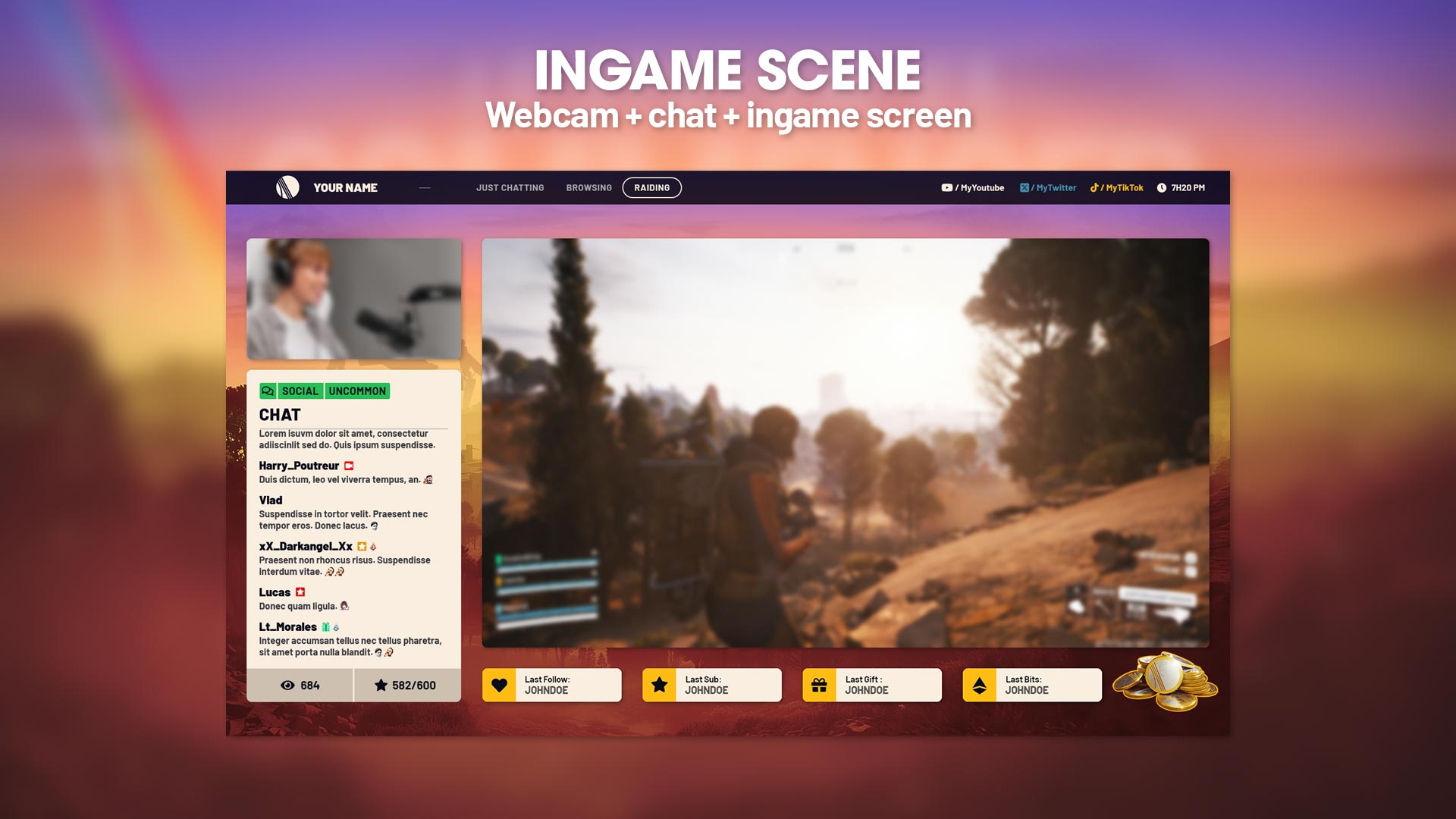
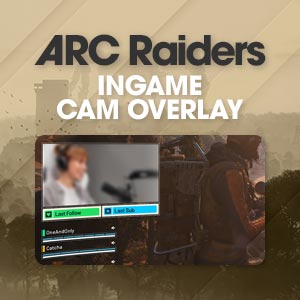
The Arc Raiders In-Game Scene for OBS Studio is designed to showcase your gameplay in full immersion while keeping your webcam, StreamElements chat and all stream events perfectly integrated on screen.
This customizable Twitch overlay scene delivers a clean, fluid and professional gaming layout, ideal for Arc Raiders streams and any live gaming content. It enhances readability, highlights your gameplay and maximizes viewer engagement throughout your stream.
Arc Raiders Chat Layout & Color Variations – Custom Chat Overlay for OBS Studio
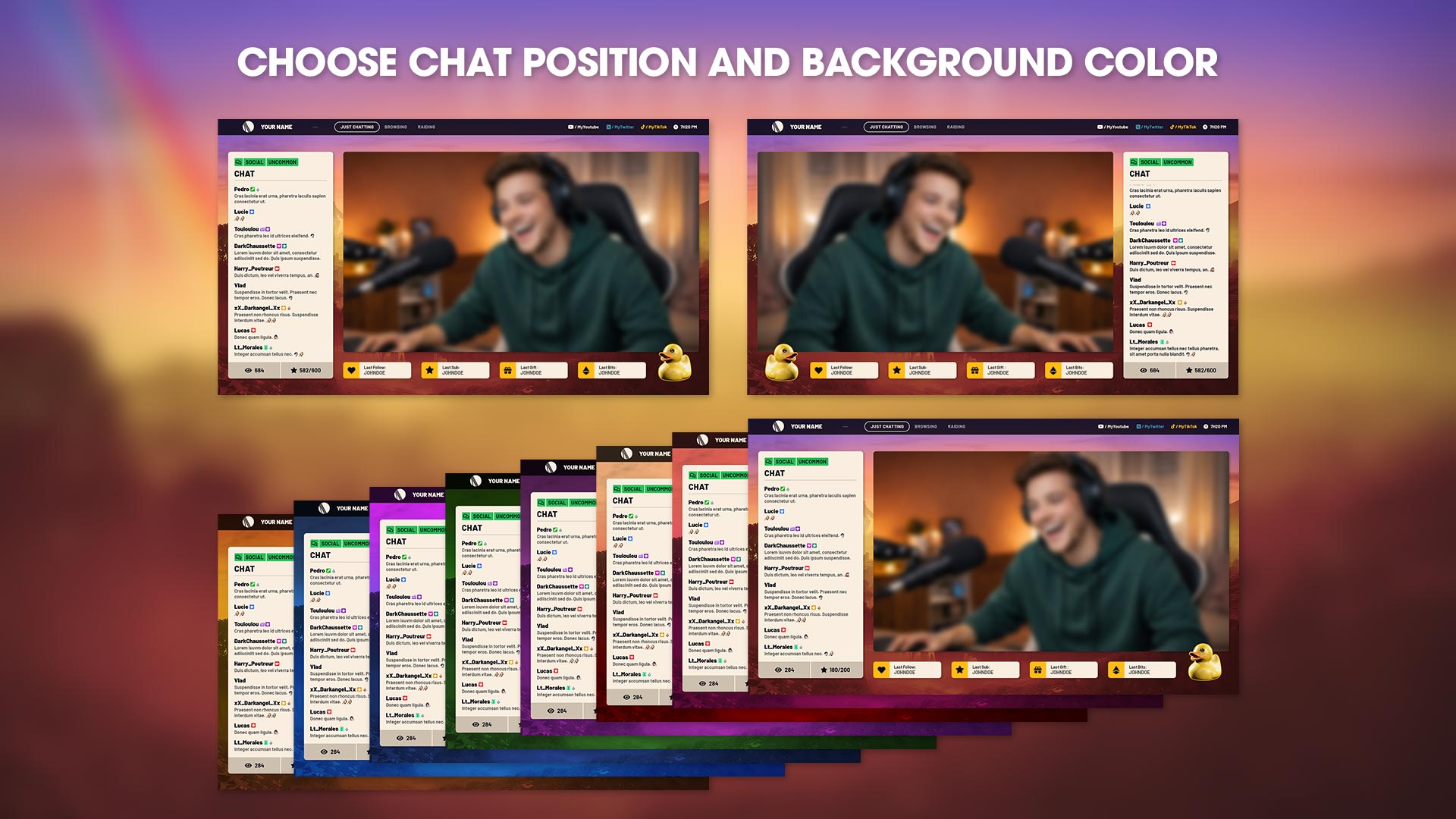
This Arc Raiders chat layout system for OBS Studio lets you choose where your chat appears on screen and which background color it uses, so your overlay always matches your stream style and your branding.
Multiple chat positions and color variations are included, making it easy to adapt your stream layout to different scenes, moods or content types while keeping your chat perfectly readable and visually integrated into your Arc Raiders overlay.
The result: a clean, flexible and immersive Twitch chat experience that blends naturally into your gameplay and Just Chatting scenes.
Arc Raiders Animated Stream Screens – Start, Pause & Outro for OBS Studio
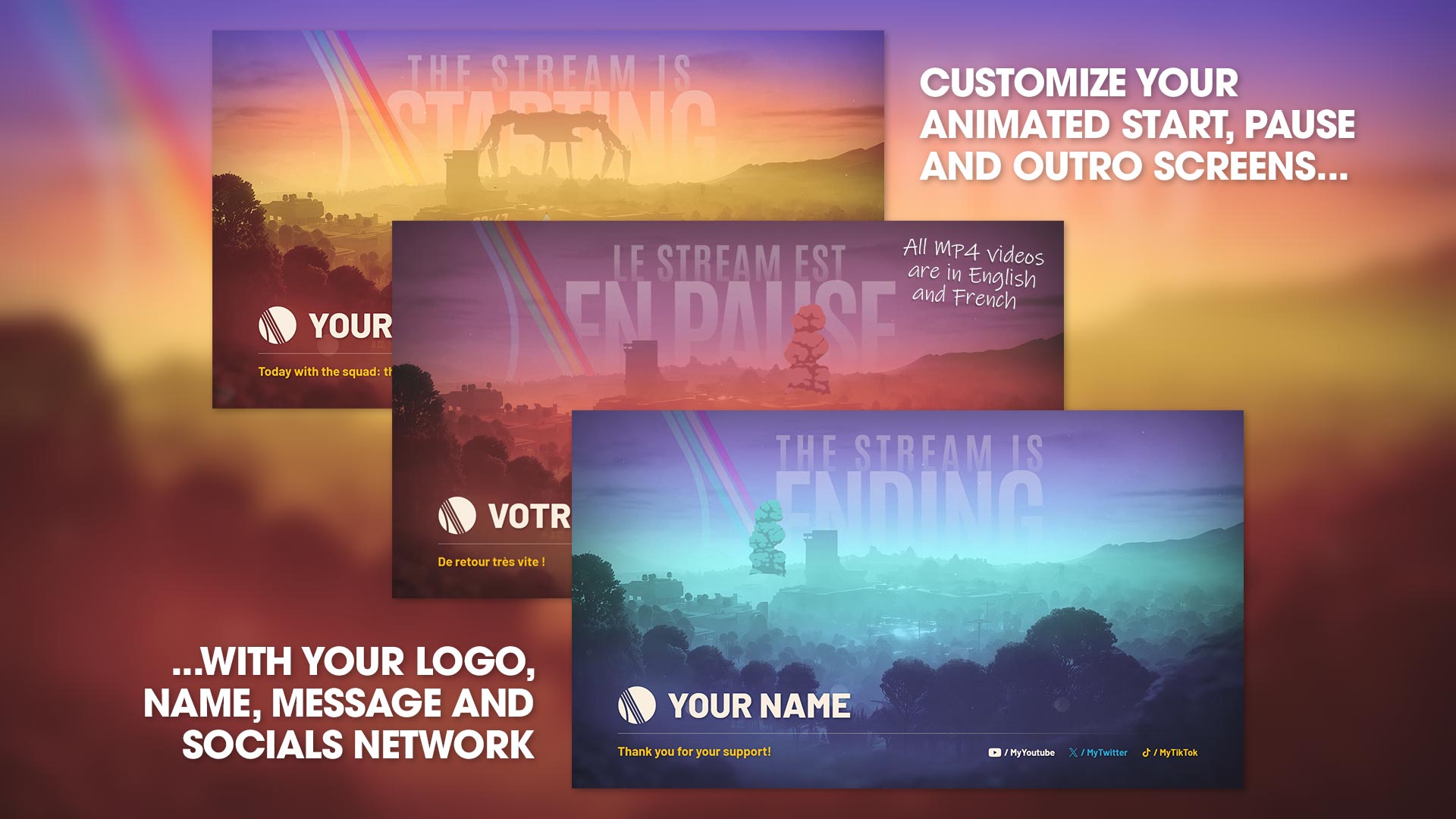
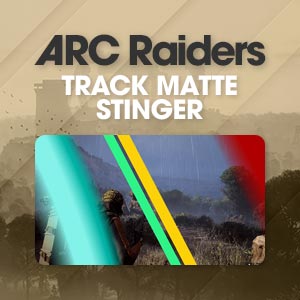
These Arc Raiders animated stream screens (Start, Pause and Outro) are carefully designed and fully lore-friendly, staying true to the visual identity and atmosphere of the Arc Raiders universe.
Each animation has been crafted with great attention to detail to create a immersive and professional stream experience while keeping your branding perfectly readable and elegant.
All MP4 files are provided in English and French, and can be customized with your logo, name, message and social networks, allowing you to maintain a consistent and high-end look across your entire stream.
Arc Raiders Offline Screen Generator – Create PNG Stream Images from OBS Studio
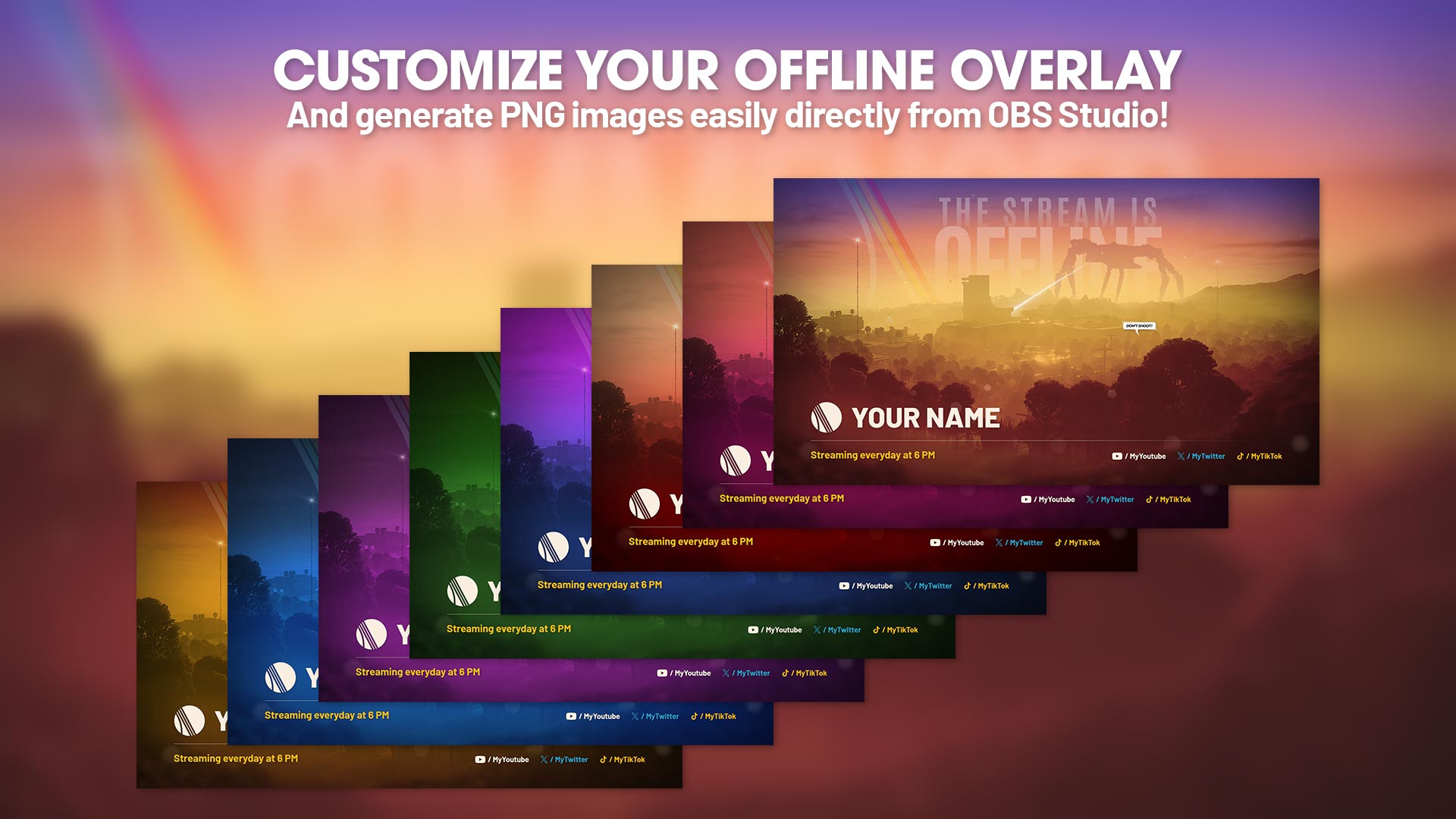
This Arc Raiders offline overlay generator lets you easily create your own custom offline stream screens directly from OBS Studio.
Thanks to the preconfigured scene, you can modify your logo, name, message and social networks, then instantly export clean and optimized PNG images to use on Twitch, Kick, YouTube or any platform that requires an offline screen.
Available in multiple Arc Raiders color variations, this tool allows you to maintain a consistent, professional and lore-friendly branding, even when your stream is offline — without using external graphic software.
Arc Raiders Twitch Panels – Clean & Readable Stream Panels
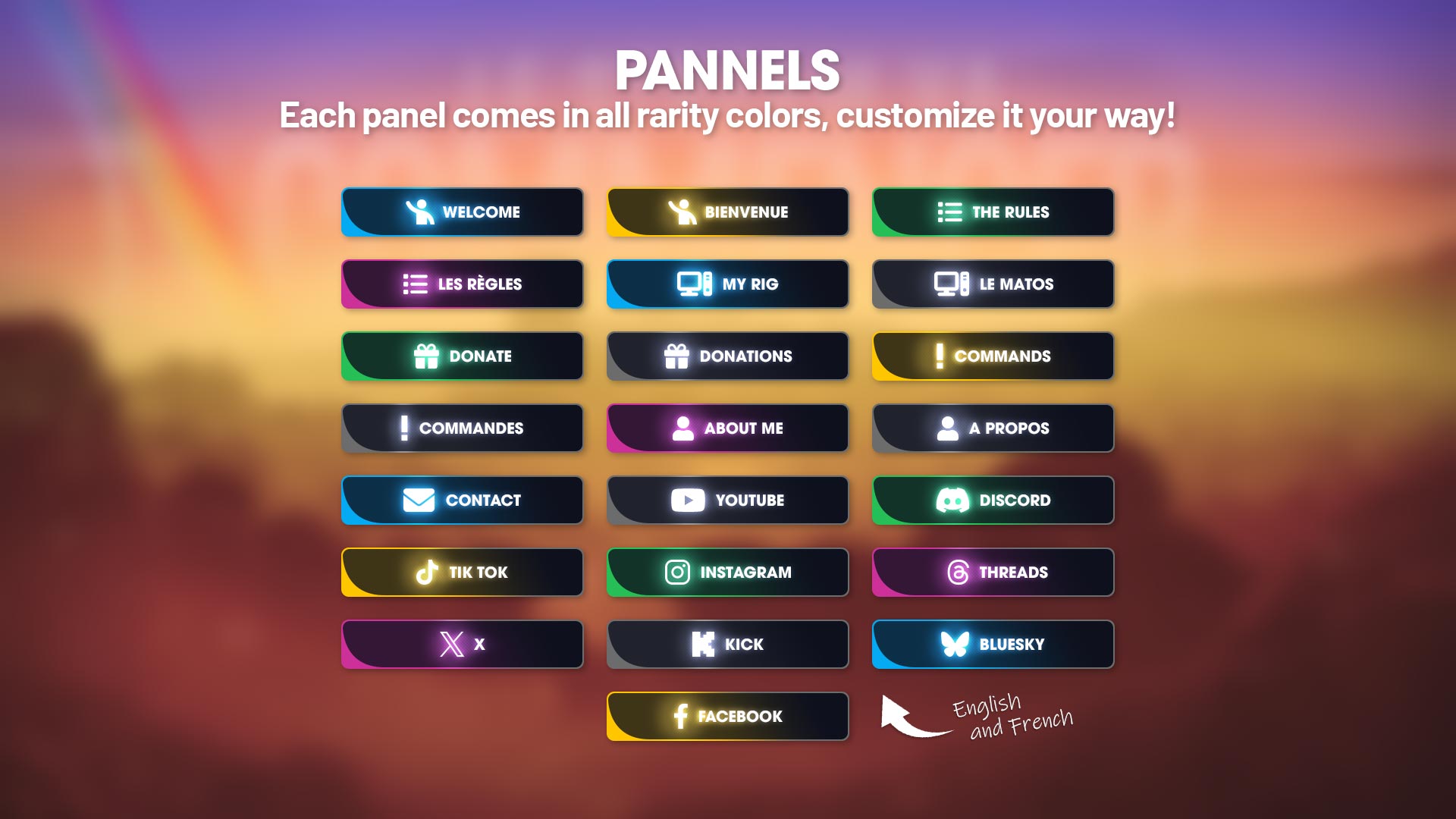
These Arc Raiders Twitch panels are provided as ready-to-use PNG images designed to give your channel a clean, readable and instantly recognizable Arc Raiders identity.
Featuring the iconic Arc Raiders atmosphere and rarity color palette, they are highly visible, easy to read and perfectly suited for Twitch channel bios.
No editing or customization is required — simply upload them and your channel immediately gains a consistent, lore-friendly visual style that stands out.
They are available in multiple rarity color variations and include all essential sections such as rules, donations, commands, socials and more — everything you need for a professional Arc Raiders themed Twitch profile.
Arc Raiders Twitch Banners – Recognizable Channel Branding
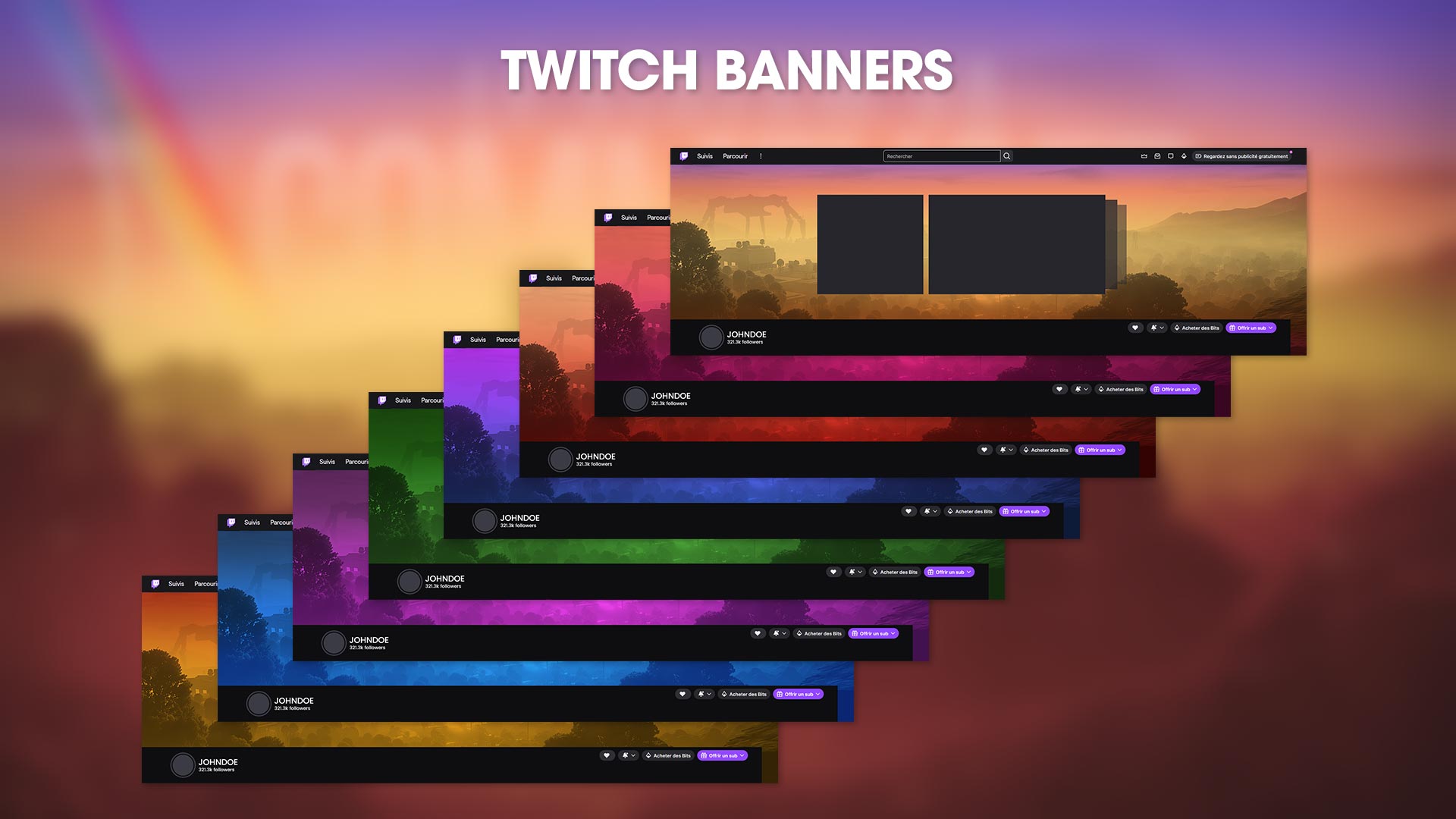
These Arc Raiders Twitch banners instantly give your channel a strong, recognizable Arc Raiders identity.
Each banner features the iconic Arc Raiders atmosphere, including the massive ARC emperor silhouette in the background, making your profile immediately identifiable at first glance.
They are designed to perfectly fit Twitch channel layouts and highlight your profile, video sections and stream previews with a consistent, lore-friendly visual style.
Available in multiple rarity color variations, these banners help your channel stand out while keeping a clean, professional and immersive Arc Raiders look.
Simply upload them to Twitch and your channel branding is ready.
Arc Raiders OBS Studio Scenes – Automatic Installation via JSON File
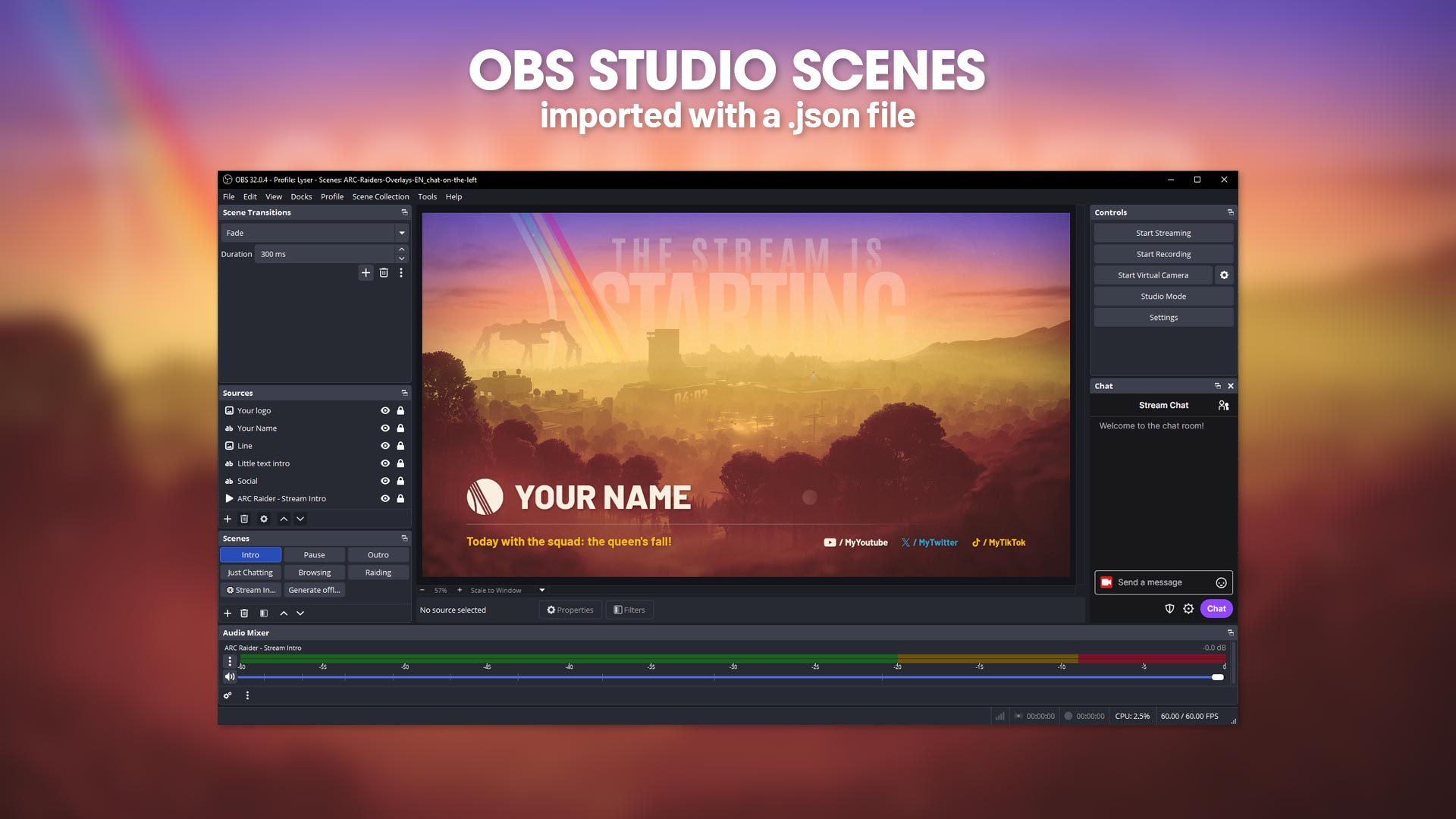
Arc Raiders scenes are delivered as a ready-to-use OBS Studio JSON scene collection that installs automatically in just a few clicks.
Once imported, all scenes are instantly added to your OBS setup:
Intro, Pause, Outro, Just Chatting, Browsing, In-Game and Offline screens are fully pre-configured with all visual elements already positioned.
You simply replace your name, logo, social links and texts — everything else is already optimized to provide a clean, professional and immersive Arc Raiders stream layout.
This system guarantees a fast, beginner-friendly installation while keeping a perfectly consistent Arc Raiders visual identity across your entire stream.
Arc Raiders PDF Installation Guide – Step-by-Step Setup for OBS Studio
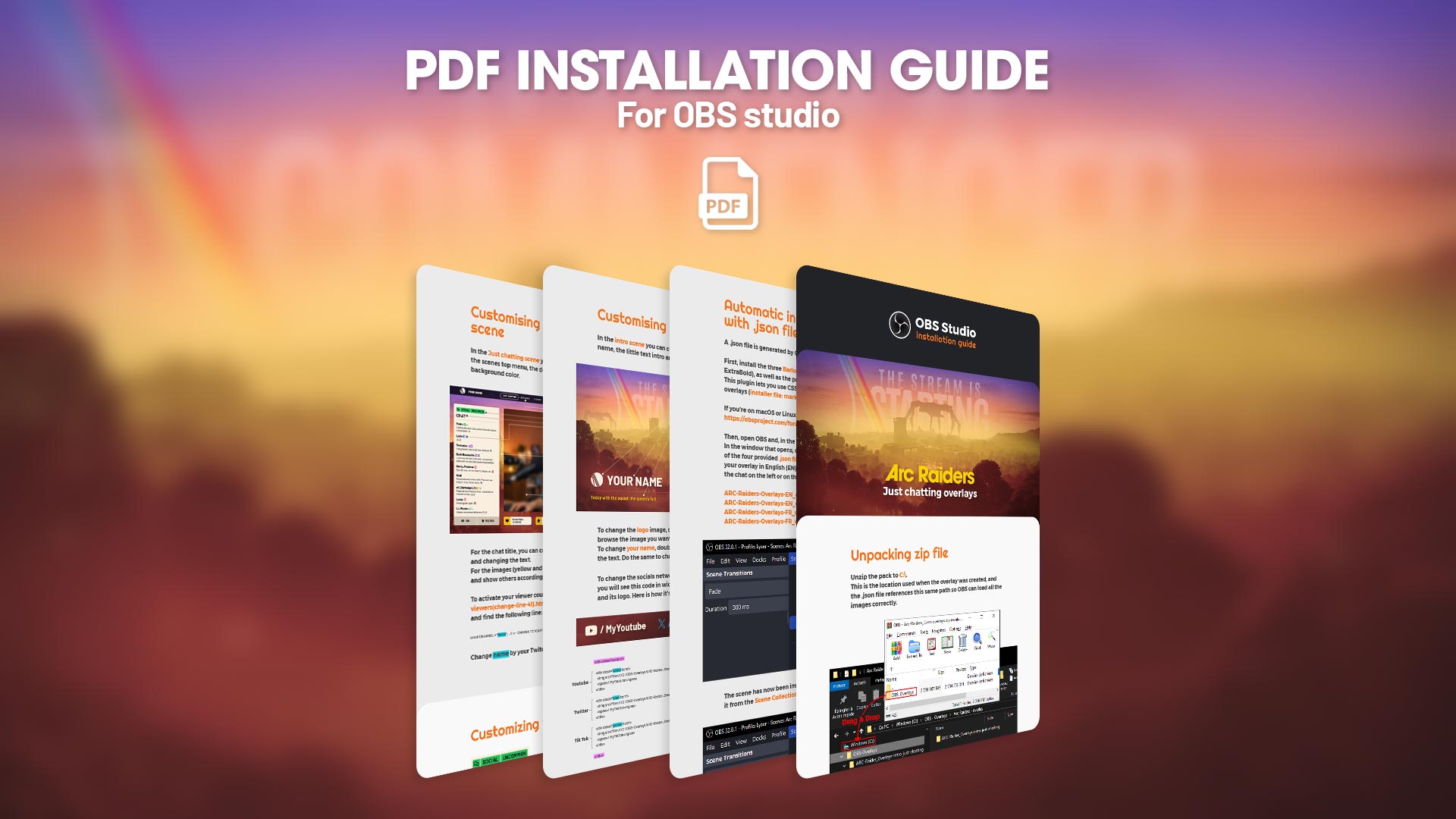
A complete step-by-step PDF installation guide (English only) is included to help you set up your Arc Raiders overlay pack in OBS Studio quickly and easily.
This guide explains how to import the JSON scene collection, configure each scene, replace your logo, name and social links, and make sure all overlays are working properly inside OBS Studio.
Designed for both beginners and experienced streamers, it allows a fast and simple installation so you can start streaming with your Arc Raiders visuals in minutes.
Fast install
Download the file Arc-raiders-just-chatting-overlays.zip from Google Drive using the provided link, then unzip it to the root of the C: drive.
Do not create any additional folders: the OBS-Overlays folder must be located directly in this directory.
This is the location used when the overlay was created; the .json file references this same path so that OBS can load all images correctly.
Here is a short video showing how to do it:
Once the folder has been extracted, install the three Barlow fonts (Bold, SemiBold, and ExtraBold), as well as the Markdown extension for OBS Studio.
Then open OBS Studio and import the .json file of your choice, depending on whether you want the overlay in English or French, and whether you want the chat positioned on the left or the right.
You will find all available customization options for your overlay in the PDF.
I remain available if you encounter any issues.
Here is a video that explains step by step how to edit the social networks on the ARC Raiders overlay, in a simple and accessible way, by editing the CSS code.
Ce site est protégé par reCAPTCHA. Les règles de confidentialité et les conditions d'utilisation de Google s'appliquent.
Réalisé par


How to edit your social networks